
When the family chooses the burial, there is almost always a temporary grave marker to prepare and a stonemason to notify. Often that means copying the name, dates and inscription into a message, sending a photo of the design and hoping nothing is missing. From this month the temporary marker sits in the case, and anyone with a marble workshop finds a department of their own in RESTinCloud.

The temporary marker in the case, the details to the stonemason in a PDF
In the funeral, at the Print and Keepsakes step, and in the pet case you will find temporary markers: you add them like a memorial card, write the inscription and prepare the design in Tela, with 22 ready-made templates in the most common formats (A4, A3, niche, chapel). On each marker choose the stonemason and press “Send temporary marker details”: they receive, on WhatsApp or by email, a PDF with the deceased's details, the burial, the inscription and the design. The case records when it was sent. To use them, simply create a product of type “Temporary marker” in the Price List.
And Tela has something new for every design: “Fit to width”. A long name stays inside its box, a short one does not stay small.

Marmi e Lapidi: the stonemason's department
The new Marmi e Lapidi (Marble and Headstones) module is designed for agencies with a marble workshop, or for the stonemason who works in the same company. Each job is a marble case in six steps: client, cemetery site visit, works and materials, draft for approval, quote and documents, payments. If you choose the In-house Stonemason in the funeral, the job reaches the department and can be taken on with one click; whoever organised the funeral receives the updates.
Around the case are the everyday tools: the department calendar for site visits and installations, the warehouse by the square metre, with slabs that have a code and a label and offcuts that go back on the shelf, suppliers and purchase orders sent as PDFs, the price list with the showroom to show the client, the quote, the electronic invoice (also with the department's own numbering) and balances. The module is activated from the RESTinCloud Shop, in the Modules tab of the Company Dashboard.
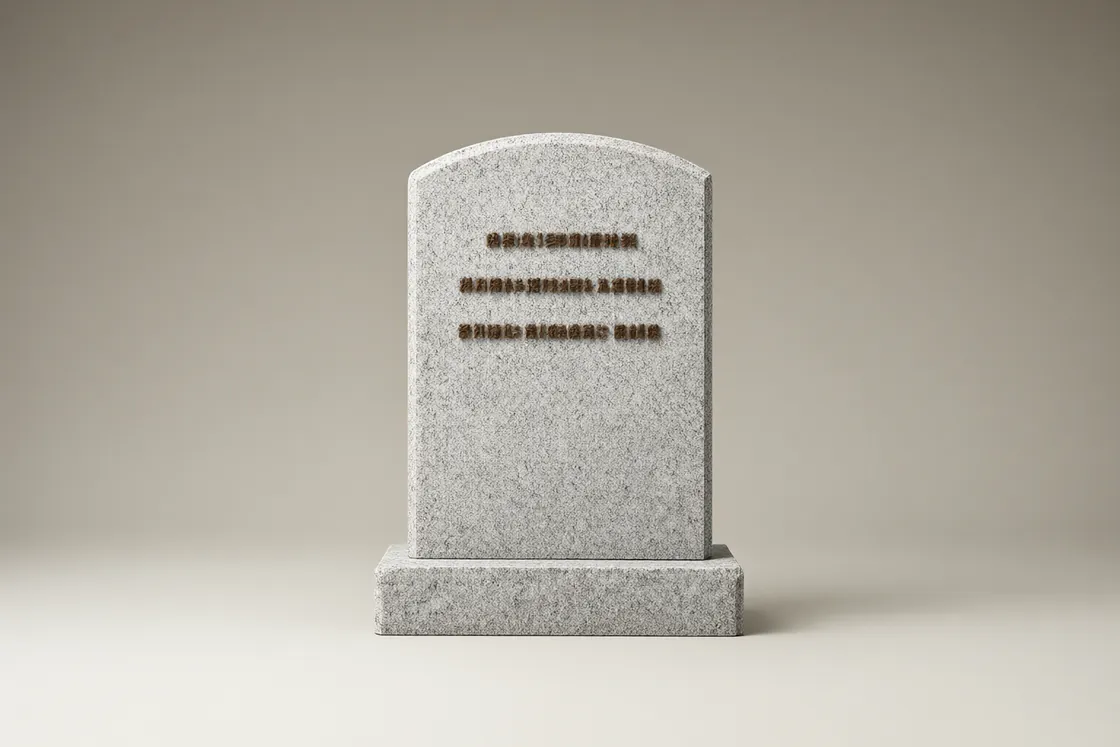
The headstone designed in Tela, with its price
With the module active, Tela has a Marble section: the headstone is drawn in centimetres, with its shape, the material chosen from 123 marbles, granites and stones, the decorations and the lettering with its finish (engraved, gilded, applied bronze…). The client sees it in 3D and receives a sheet to sign; the workshop exports the outlines for the machine. If you connect the price list, the total appears as you draw and flows into the case quote.

Coming soon: Canova
We are preparing Canova, the access dedicated to stonemasons: the same management software, with only the Marble department and a brand of its own. We will let you know when it is available.

Cases still to be settled, one filter away
When you need to check payments, the Balance filter is right in the bar of the Funerals and Cemetery Operations lists. You can pick the cases you are interested in without opening the additional filters panel. We have also adapted the width of the Location, Period and Balance fields to the option shown, to keep the bar tidier.
The direction of the software
Temporary markers and the Marble department come from the same idea: the work that follows the funeral should not start again from scratch. The case data reaches the stonemason, the design reaches the quote, the quote reaches the invoice. We are continuing in this direction, one step at a time, with the agencies that use RESTinCloud every day: if you work with a stonemason or run a workshop, tell us how you work, on WhatsApp too.